
Build the working collection
Choose its location, purpose, scale, resources, legality and danger. Give each unusual creature a temperament, habitat, diet, care routine and reason for being here.
World & settlement
Extraordinary animals.
Believable care.
A living collection.

A collection with responsibilities
Connect habitats, daily care, staff, visitors and current trouble.
Choose its location, purpose, scale, resources, legality and danger. Give each unusual creature a temperament, habitat, diet, care routine and reason for being here.
An animal affects its enclosure, handlers, food supply, legal position, visitor appeal and escape risk. Prepare the collection as one place of care, risk and difficult choices.
Humane habitats and handling
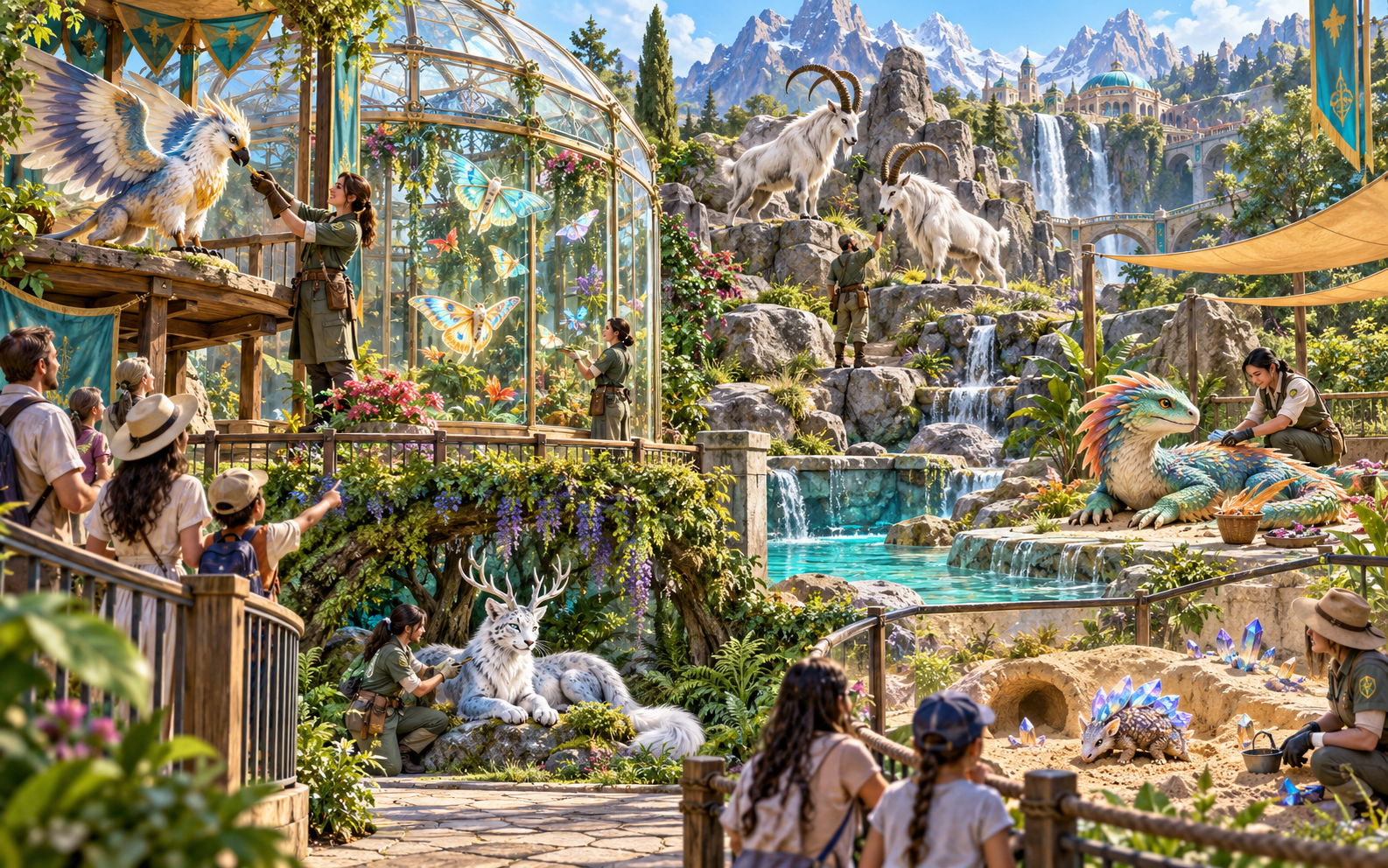
Handlers tend a griffon, mountain goats, a colourful aquatic creature, an antlered white beast and a crystal-armoured animal. Visitors follow barriers between varied habitats.
Plan climate, space, temperament and feeding needs alongside secure enclosures, welfare standards, handler routes and visitor safety.
What you can create
Keep the extraordinary collection and its everyday operation connected.
Create a working collection with distinct temperaments, habitats, diets, care routines and reasons for being here. Connect each animal to the operation around it.
Plan climate, space and behaviour needs. Give each creature a secure habitat and show how its enclosure affects care, containment and visitor access.
Bring handlers, veterinarians, feeding routines, health and breeding needs together. Make the responsibility for each extraordinary animal clear.
Prepare feeding routes, food supplies and operating costs. Show where a shortage or failed delivery puts pressure on the collection.
Shape the public identity, attractions, visitor paths and safety arrangements. Give the party a believable place to visit, protect or investigate.
Map secure gates, containment and escape risk. Include one believable weak point that connects an operational problem to a practical intervention.
Track where animals came from, permits, ethical concerns and faction objections. Consider rare acquisitions, smuggling pressure and responsible treatment.
Choose trouble involving supplies, illness, breeding, sabotage, smuggling, escapes or public pressure. Give the party ways to intervene and recover.
Save to your account library, keep versions, rename, duplicate, tag and add notes. Lock established animals and habitats while selectively rebuilding unresolved trouble.
Copy the complete Dungeon Master guide or visitor-safe overview, download JSON or print. Optionally export one selected risky creature crisis for an inactive Combat PRO encounter.

Plan the menagerie
A team studies a model of enclosures, water, visitor routes and gates. Creature cards, supplies and records surround the plan while another keeper works on a gate.
Start with purpose, scale and resources. Refine the animals, handlers, habitats, feeding, containment and one current problem, then lock established details before revising the rest.
Quick or detailed preparation
Prepare care, access, responsibility and one urgent problem.
Choose the location, menagerie purpose, scale, resources, legality and overall danger. Generate the roster, habitats, handlers, visitor offer and one current problem.
Tune temperament, climate, diet, health, breeding status and handling. Connect habitats to the staff, feeding routes, supplies and operating costs that support them.
Refine provenance, permits, welfare, acquisitions, faction objections, smuggling pressure, sabotage and escape risk. Map visitor paths and one security weak point.
Lock established animals and habitats, selectively rebuild unresolved trouble, and edit connected details with undo and redo. Prepare intervention choices, recovery and consequences.

A living place to visit
Keepers feed an aquatic creature, check a griffon and tend a butterfly house, an antlered white beast and crystal-backed animals. Families follow paths between the habitats.
Use the visitor offer, animal welfare, staff responsibilities and one current operational problem to give the party practical choices about protecting or investigating the collection.
Keep and reuse your menagerie
Save versions, revise details and choose what to share.
Save a menagerie, keep versions and reopen it later. Rename or duplicate a useful collection, then add tags and notes for the next visit.
Keep animals, habitats, staff, supplies, risks and current problems editable together. Use locks, selective rebuilds, undo and redo as the collection changes.
Copy the complete Dungeon Master menagerie guide or a visitor-safe overview. Download the finished collection as JSON or print the version for your table.
Optionally export an escape, attack or handling crisis involving a risky or deadly creature as JSON for an inactive encounter. Exporting does not start combat; daily menagerie operation stays here.
Your workspace and related products
Open VISINVOKE products through your account.

Open Menagerie & Exotic Beast in the Generators collection of your signed-in desktop workspace.
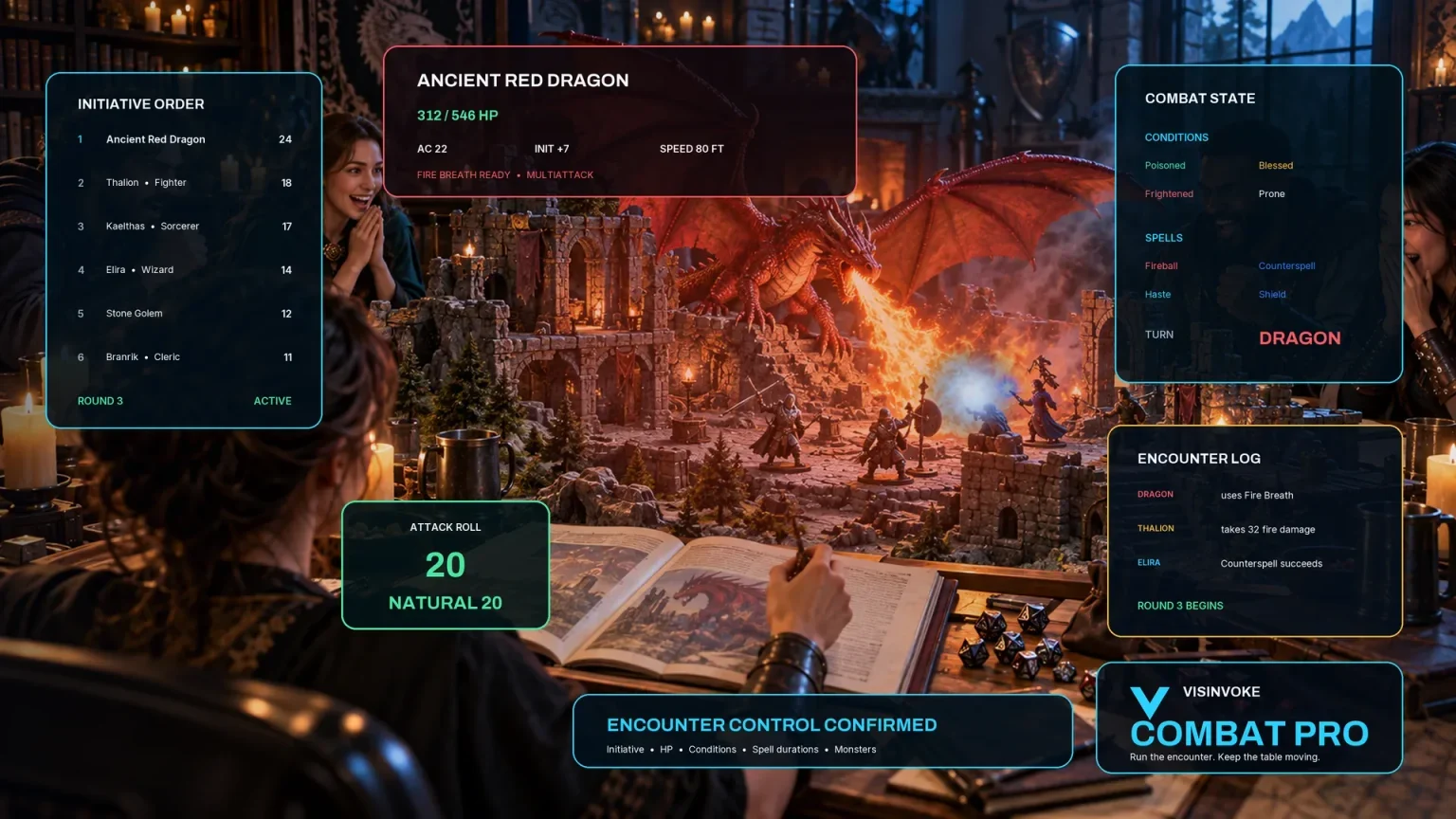
Prepare an inactive encounter from one selected combat-capable crisis exported as JSON. Keep the collection, care and daily operation in the generator.
Images are product illustrations. New species, surrounding buildings, shops and shows remain in their dedicated tools.
Questions and answers
Animals, care, records, selected crises and account access at a glance.
A working collection of four to eight exotic beasts with temperaments, humane habitats, staff, care, supplies, costs, security, visitors, provenance, welfare concerns and one current operational problem.
Quick preparation sets the location, purpose, scale, resources, legality and danger. Deep preparation refines each animal’s temperament, climate, diet, health, breeding and handling needs, then staff, supplies, containment, visitors, permits, welfare and current trouble.
Supply failures, illness, breeding, sabotage, smuggling, escapes or public pressure can create one current problem. Prepare intervention choices, recovery and lasting consequences alongside the collection’s ordinary care.
Save it to your account library and reopen it later. Keep versions, rename or duplicate a menagerie, add tags and notes, edit connected details, use locks and selective rebuilds, and undo or redo changes. Copy a complete Dungeon Master guide or visitor-safe overview, download JSON or print.
Choose an escape, attack or handling crisis involving a risky or deadly creature. Export that selected crisis as JSON for an inactive Combat PRO encounter. Exporting does not start combat; the collection, animal care, staff, habitats and daily operation stay in the generator.
Create a free VISINVOKE account or sign in. Get Desktop Control Centre through your account installer page and open Menagerie & Exotic Beast in the Generators collection. View current subscription details in your account.
Continue in VISINVOKE
Create a free VISINVOKE account or sign in to your existing account. Get Desktop Control Centre through your account installer page.
Open Menagerie & Exotic Beast in the Generators collection. View current subscription details in your account.